
Pause a workflow when you want to preserve its setup but prevent new people from entering it.
Pause a workflow
- Open Workflows and select the workflow.
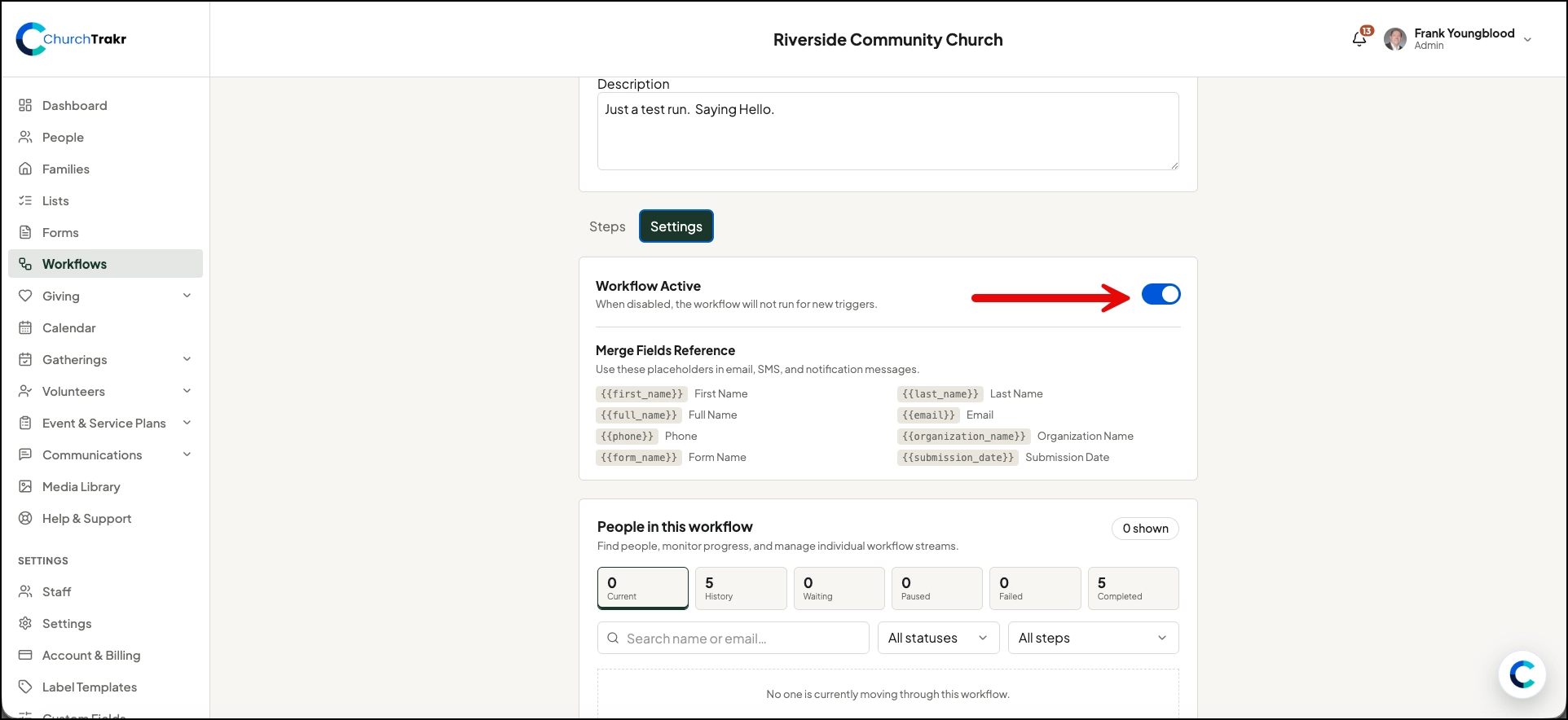
- Open Settings.
- Click Workflow Active.
- Select Save.
The workflow appears as inactive or paused and will not run for new triggers.
Reactivate a workflow
Return to Settings, turn on Workflow Active, and save. New matching triggers can then start the workflow again.
Pausing is useful while editing messages, changing timing, or temporarily stopping a campaign. Review any recent runs separately because changing the active setting is intended to control new triggers.