
Group chat gives members a shared conversation inside the member portal.
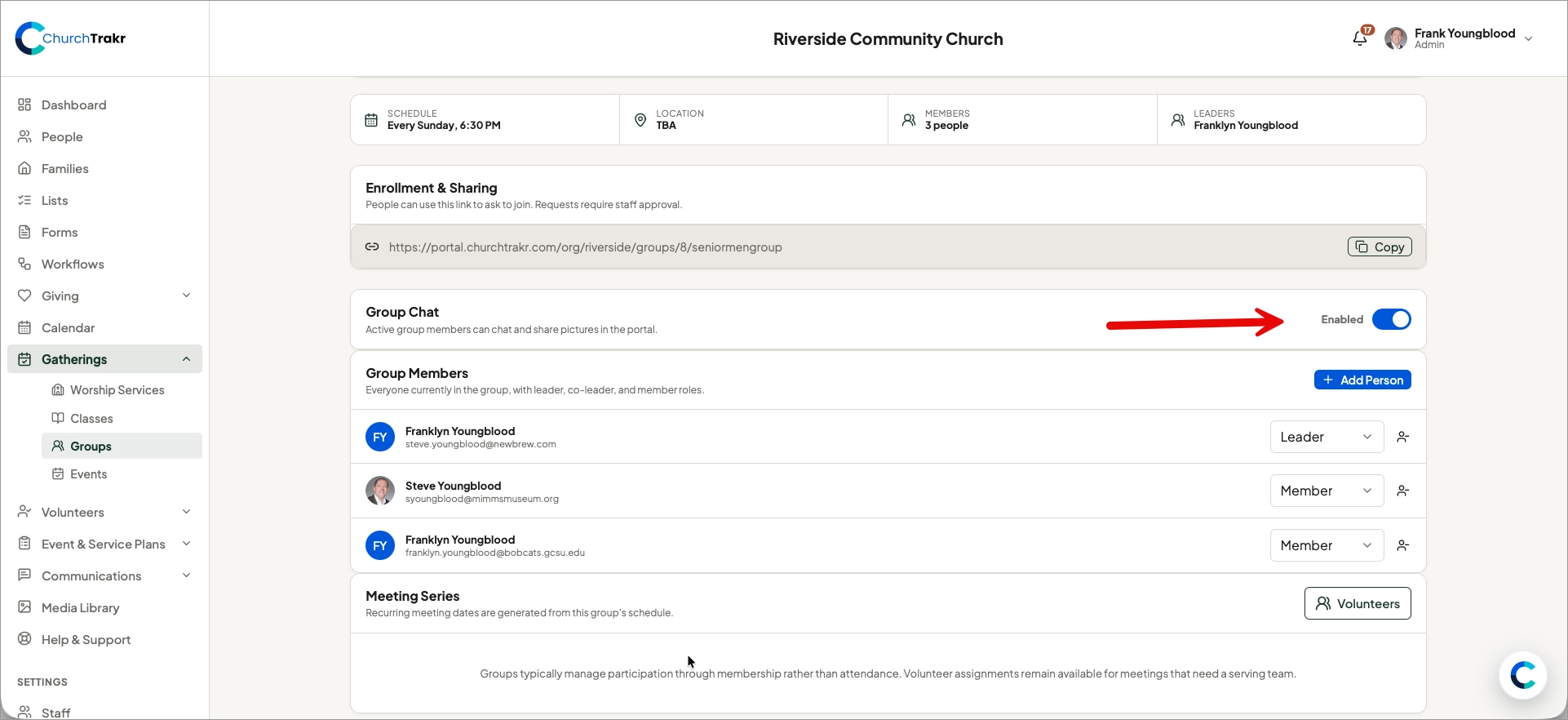
Enable group chat
- Open Groups and select the group.
- Find the group chat setting.
- Turn on group chat.
When enabled, group members can use the portal to chat and share pictures with one another.
Who can participate?
Chat access follows the group membership roster. Add or approve someone as a member before expecting them to participate. Removing a person from the group also removes their group membership access.
Good practices
- Assign a leader or co-leader who can guide the conversation.
- Keep the roster current so only the intended people participate.
- Use appropriate church communication and privacy practices when sharing personal information or photos.