
Workflows automate consistent follow-up after a form submission, event registration, or staff enrollment.
Create a workflow
- Open Workflows.
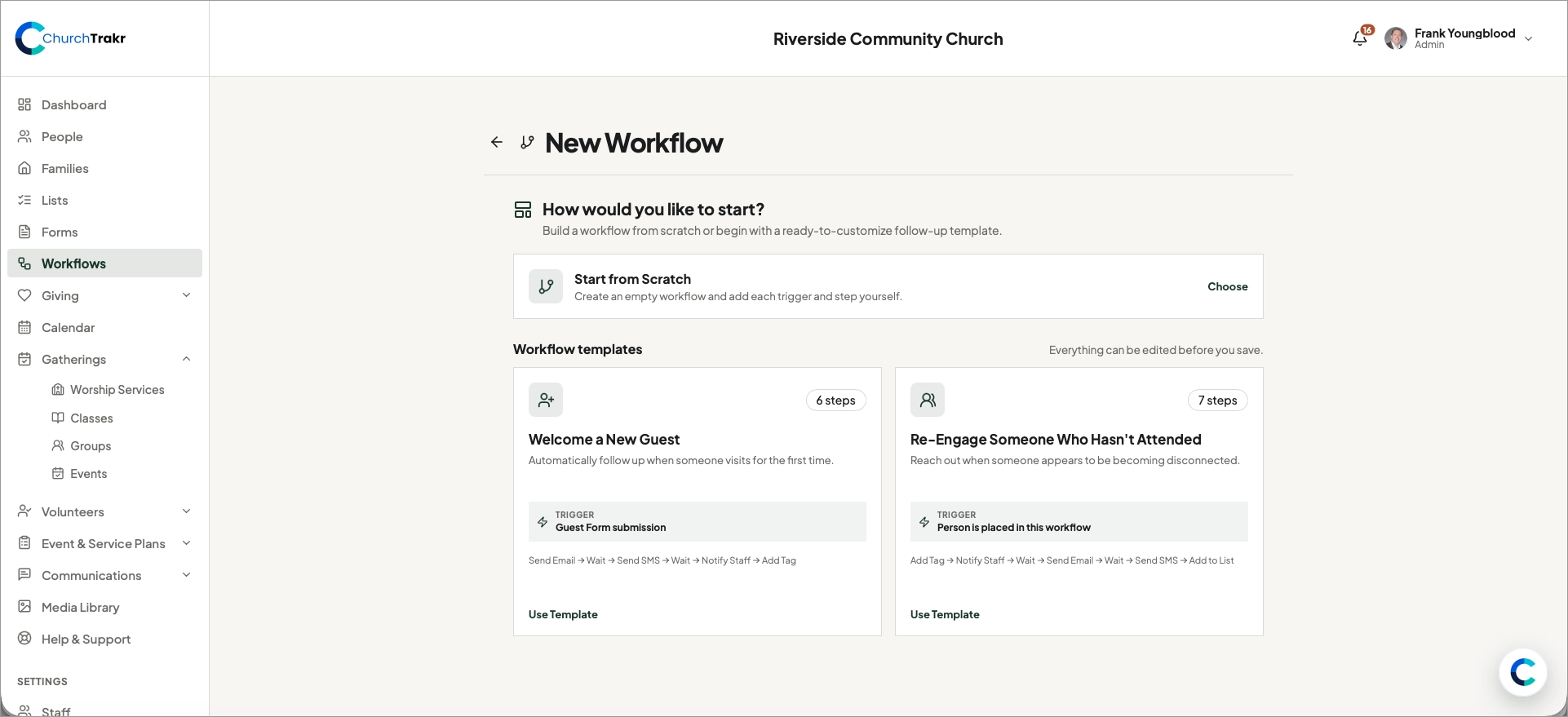
- Select New Workflow.
- Choose Start from Scratch or select a starter template.
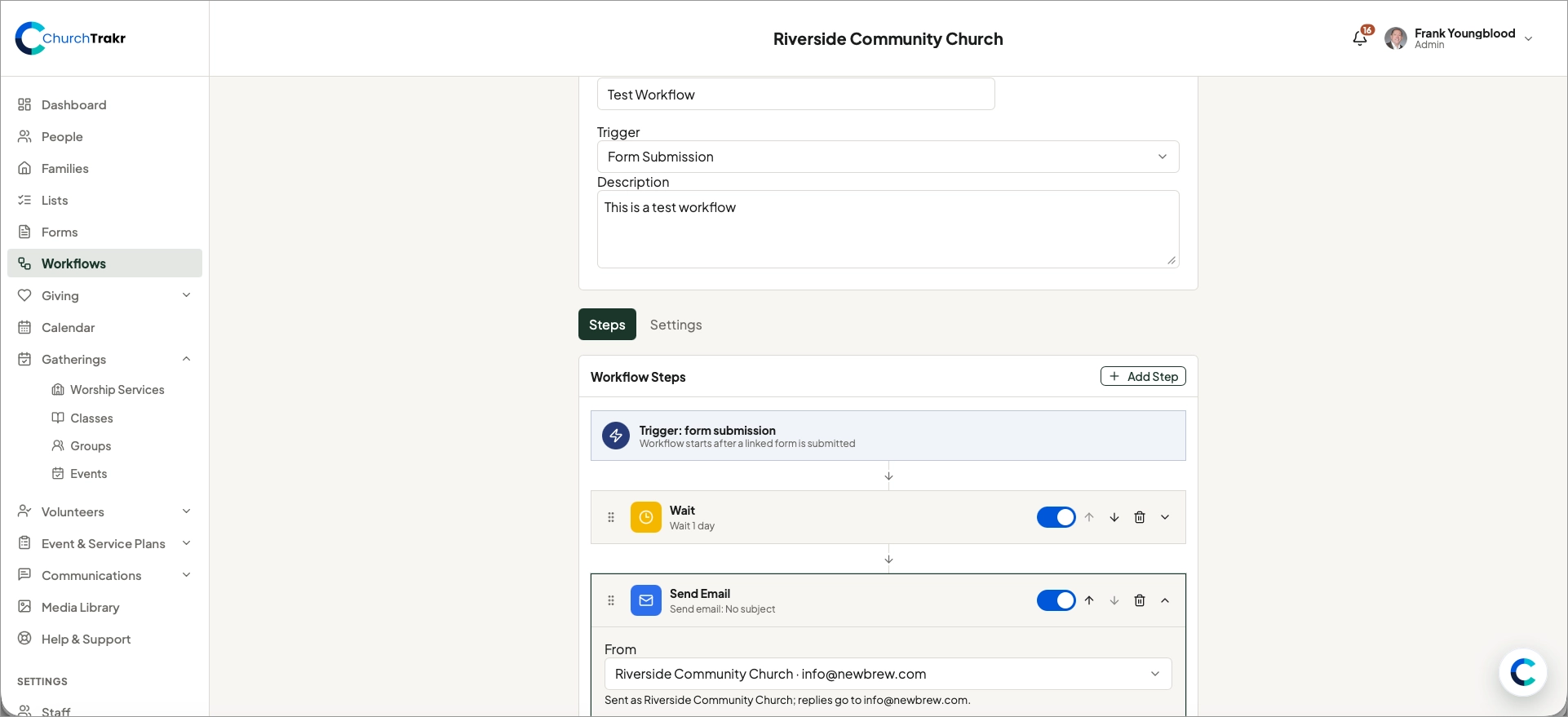
- Enter a clear workflow name and description.
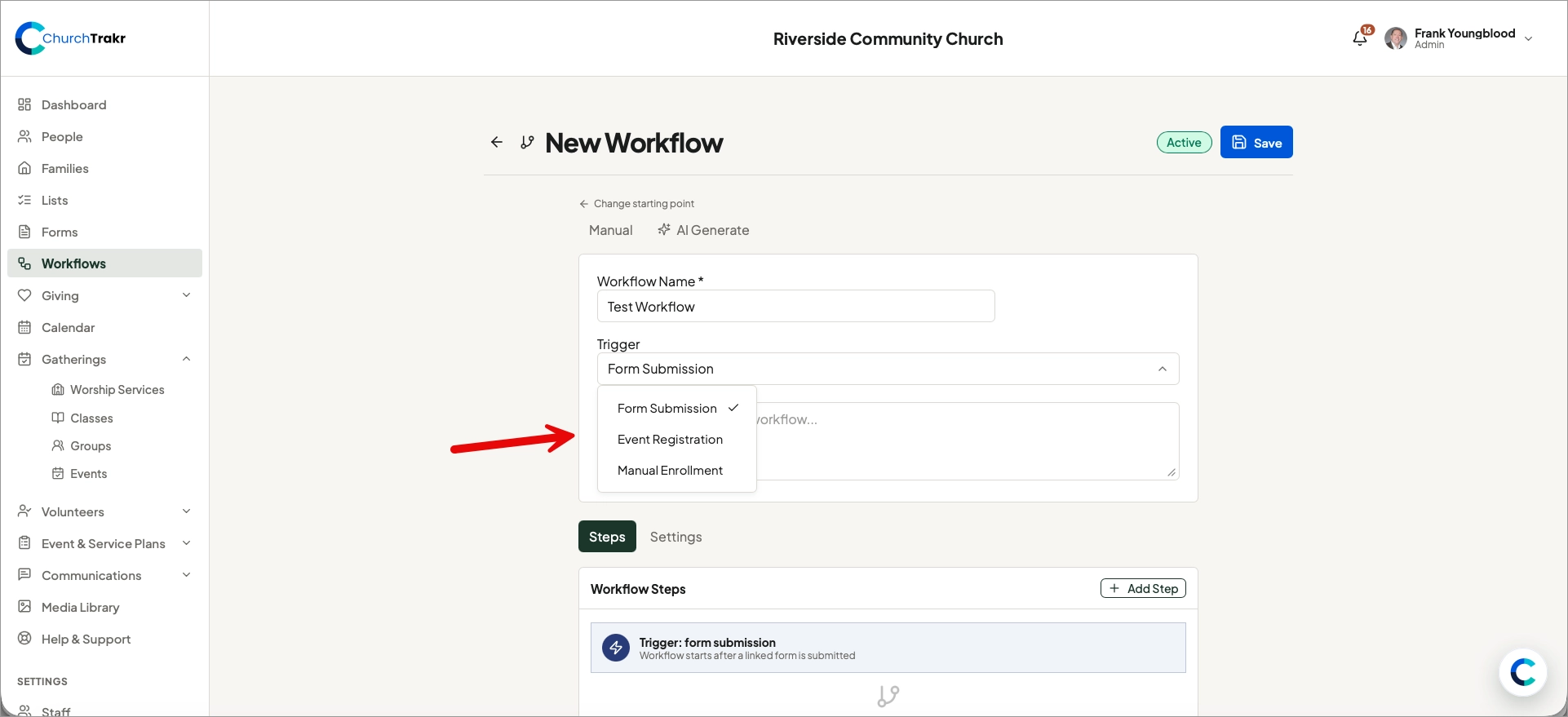
- Choose the trigger that starts the workflow.
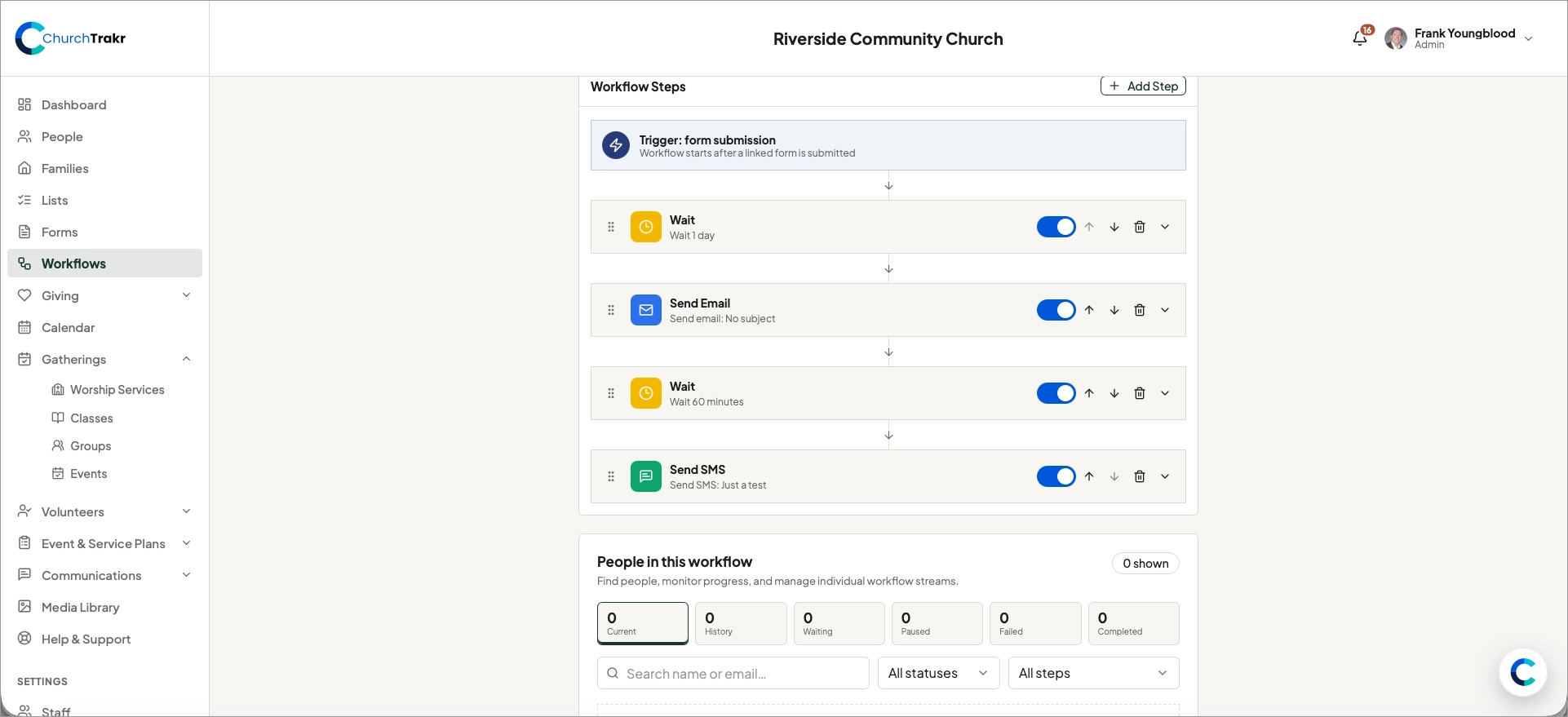
- Add and configure the steps in the order they should run.
- Review whether the workflow is active.
- Select Save.
Available triggers
- Form Submission: starts after a linked form is submitted.
- Event Registration: starts when someone registers for a linked event.
- Manual Enrollment: starts when staff place one or more people into the workflow.
An active workflow can accept new triggers. An inactive workflow remains saved but does not start new runs.